The Baby Monitor You'll Actually Use
A straightforward baby monitor guide: one useful video pick, a cheaper audio option, and when a vitals monitor is worth discussing.

Affiliate disclosure
This guide contains Amazon affiliate links. As an Amazon Associate I earn from qualifying purchases at no extra cost to you. Products are sold by Amazon or its third-party sellers, not by newmomshop.com. Dana's picks reflect independent editorial opinion; brands do not pay for placement or positive coverage. Read the full policy.
The best baby monitor is the one you can set up and check one-handed at 3am. Twelve settings you haven’t read the manual for won’t help you decide whether that noise was a baby waking up or a sleepy grunt. Start with what you actually need to see or hear.
My pick for most families: a simple video monitor
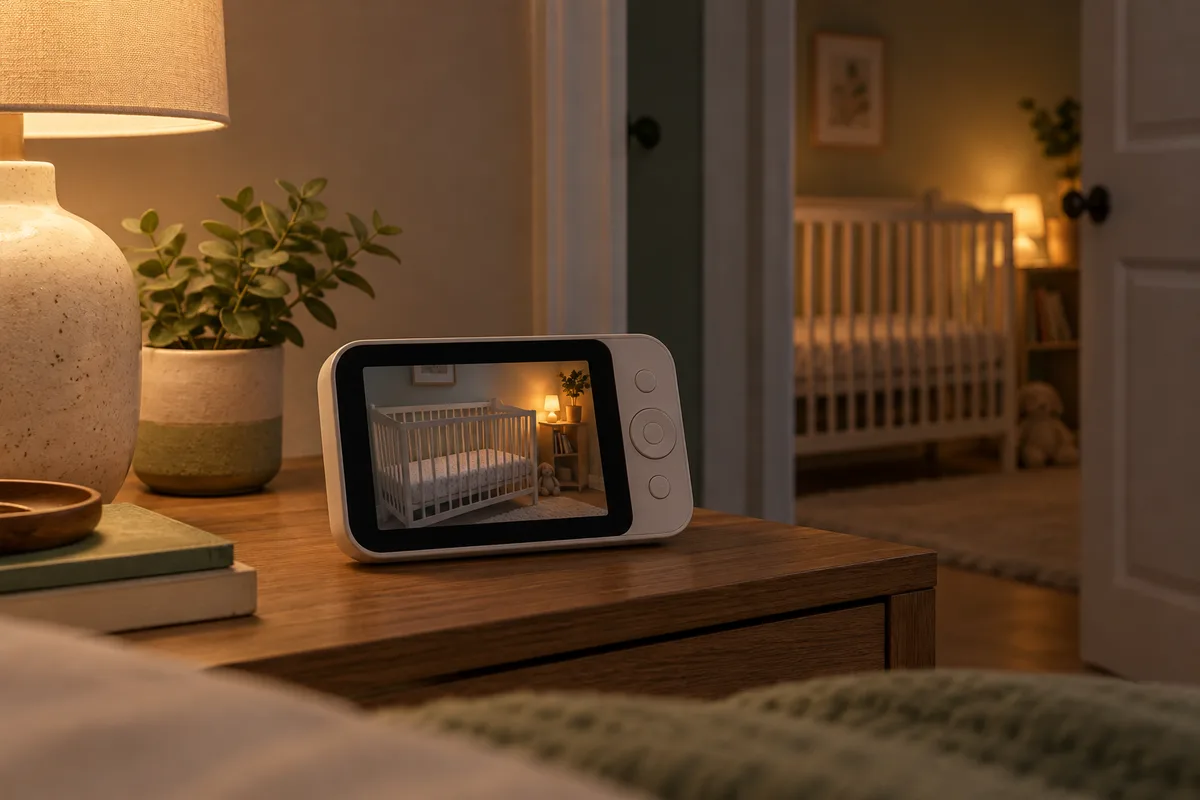
The VTech VM819 gives you a camera and a separate 2.8-inch parent screen. It has night vision, two-way talk, and a rechargeable parent unit. It uses a dedicated wireless connection, so you don’t need to set up an account or open a phone app to check the room. That is the point of this pick.
The tradeoff is the small screen and the limited range of a dedicated connection. You cannot check it from across town. Walls and interference can shorten any advertised range, so test it from the farthest room or yard spot you actually use before the return window closes. The camera still needs power; the rechargeable part is the parent screen.
Budget pick: audio is enough if audio is enough
The VTech DM111 is the cheaper answer when you only need to hear a cry. Its parent unit has a belt clip, sound-level lights, and a rechargeable battery. There’s no picture, no app, and no reason to pay for either if you’re comfortable checking in person when you hear something. If you’re a light sleeper in a small home, you may find you don’t need a monitor at all.
Wi-Fi, dedicated connection, and two rooms
Wi-Fi monitors can show video on your phone and sometimes work while you’re away from home. That convenience depends on your home network, phone, and the maker’s app. If the connection or service drops, the feed may disappear until it recovers. Read the privacy settings and update the device if you choose one.
Dedicated monitors use their own short-range radio link between camera and parent unit. They keep working when home Wi-Fi is down, but they cannot show you the room from outside their range. Neither type replaces an adult checking on a baby.
For twins or a second child, look for a two-camera model only if you need two rooms on one screen. Check the manual before buying: “supports two cameras” does not always mean you can see both at once. Some models alternate feeds rather than provide a true split screen. Check how audio works when both cameras are connected, too.
If you carry the parent unit around, battery life matters more than extra lullabies. Look for the maker’s video-on runtime, then expect less with brightness and volume turned up. Try the screen, audio, and charging routine before the baby arrives.
Vitals and breathing claims need a harder look
A vitals device such as the Owlet Dream Sock serves a different purpose from a video monitor. It may be worth discussing with your pediatrician if you have a medical concern or a specific reason you want those alerts; it isn’t the default registry choice. The nursery guide explains the Owlet tradeoff and the American Academy of Pediatrics’ guidance: home monitors have not been shown to prevent SIDS. Safe sleep practices and direct supervision still matter.
I’d skip a camera sold as “AI-powered” or a “breathing monitor” just because it draws a box around movement on a video feed. Camera-based motion claims are not the same as measuring vitals with a sensor, and neither is a substitute for medical care. Buy a monitor for the job you need it to do: let you hear or see the baby, simply, when you are in the next room.
VM819 Video Baby Monitor
VTech · Available on Amazon
A dedicated screen and camera with no app to set up. It does the useful job: let you look and listen from the next room without reaching for your phone.
- Dedicated parent screen
- Night vision and two-way talk
- Rechargeable parent unit
- Small 2.8-inch screen
- No remote viewing outside the monitor range
DM111 Audio Baby Monitor
VTech · Available on Amazon
If you only need to hear the baby, this is the cheaper, simpler answer. The sound indicator and belt clip are more useful than an app you will never open.
- Simple audio setup
- Sound-level lights
- Rechargeable parent unit with belt clip
- No picture
- No remote listening outside the monitor range
Dream Sock Smart Baby Monitor
Owlet · Available on Amazon
Tracks heart rate and oxygen and alerts you if either drops out of range. It will not replace safe-sleep practices, and it will give you false alarms, but for a genuinely anxious first-time parent, it buys sleep.
- Real vitals tracking, not just audio/video
- App alerts
- Reduces new-parent anxiety in the short term
- Expensive
- False alarms happen
- Not a substitute for safe sleep practices
Questions parents ask before buying
Do I need a video baby monitor?
Most families who want a monitor will be well served by a simple video model with a dedicated parent screen. If hearing a cry is all you need, an audio-only monitor costs less. A monitor does not replace checking on your baby or safe sleep practices.
Is a Wi-Fi baby monitor better than a non-Wi-Fi one?
Wi-Fi can give you phone viewing and remote access, but that depends on your network and app. A dedicated monitor works within its own range without home Wi-Fi. Choose the way you will actually check it at night.
Do I need a split-screen monitor for twins or two kids?
Split screen is useful when you need to watch two rooms at once. Check that the model displays both feeds simultaneously and lets you hear the room you need; some two-camera bundles only switch between feeds.